 Mochi Style
How child-directed ads work in free kids games
Free games are paid for by ads. Here is what changes when the player is a child, and what you can check in five minutes.
In this guide
A free kids game first works out whether the player is a child, usually with an age question. If the player is under 13, every ad request is tagged as directed to children: ads are limited to family-friendly content and are not personalised, so the advertising ID is not used to build a profile. Good games also limit where and how often ads appear and keep optional reward videos clearly separate from play.
Most free games on a phone are paid for by ads. That is not bad on its own. What matters is how those ads behave when the person holding the phone is seven years old.
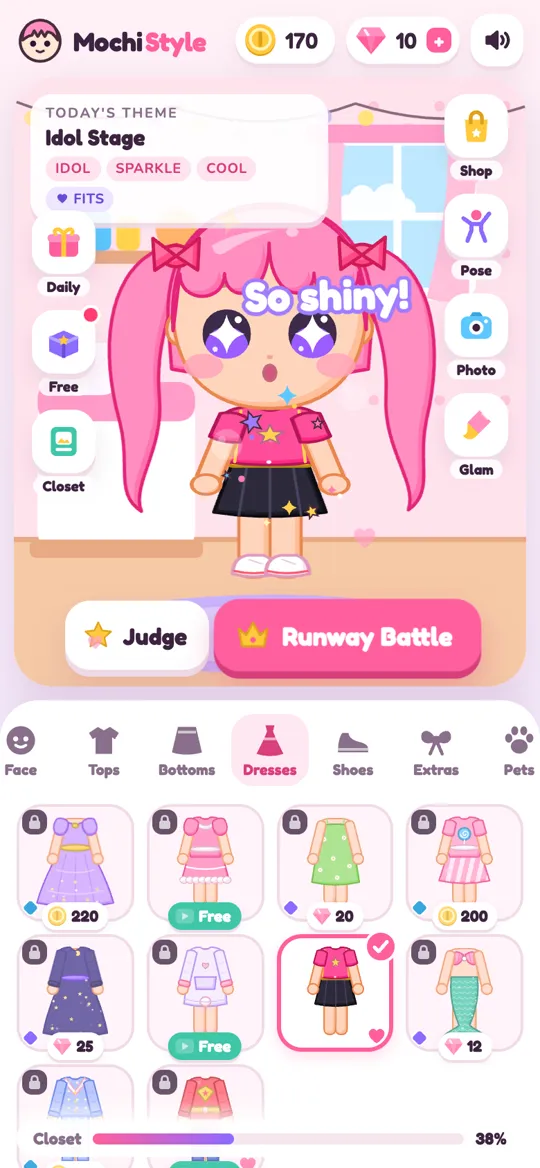
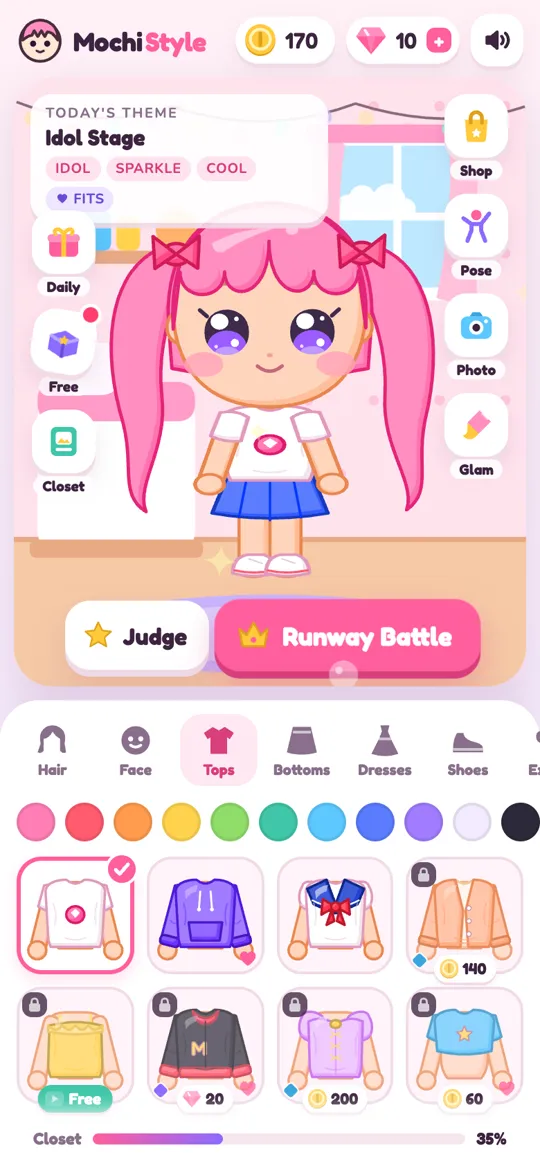
This guide explains how child-directed ads work in plain words, what a game should do differently for children, and what you can check yourself. We use our own game, Mochi Style, as the worked example, because we can show you exactly what it does and why.
What "child-directed" actually means
When a game asks an ad network for an ad, it sends a request. That request can carry a flag that says, in effect, "the person seeing this ad is a child". Ad networks such as Google AdMob then treat the request differently.
For a request tagged as directed to children, three things change:
- No personalised ads. The ad is not chosen from a profile of what the child did in other apps. The advertising ID is not used to follow them around.
- Family-friendly content only. The game can cap the content rating of ads, so only ads suitable for all ages are allowed.
- Fewer data uses. The network limits what it collects and how it uses it, because the rules around children's data are stricter.
The ads a child sees are then usually contextual: picked because they suit a game for kids, not because of who the child is. In the US, the law known as COPPA is the main reason for this. It limits collecting personal information from children under 13 without a parent's consent, and identifiers used for tracking count. Google Play's Families policy adds its own rules for apps aimed at children, including which ad tools they may use.
Step one: the game has to know who is playing
A game cannot tag ads for children if it has no idea who is playing. That is why many family games open with an age question.
In Mochi Style, the game asks for a birth year the first time it opens. Here is what happens next:
- The child, or a grown-up, picks a birth year on the first screen.
- The game keeps that answer on the phone only. It is never sent to us.
- If the player is under 13, every ad request is tagged as directed to children and under the age of consent.
- Ads for that player are capped at a G rating and are not personalised.
- No ad consent pop-up is shown to the child, because there is no personalised advertising to agree to.
- If the player is 13 or over, Google's consent form appears where the law requires it, and the choice can be changed later in Settings under Ad privacy choices.
A quick tip if you set up the phone for your child: answer the age question yourself. It takes a few seconds and it decides how every ad in the game behaves. Our privacy policy describes the same rules in full.
The three kinds of ads you will see
Knowing the three common types helps you judge a game quickly.
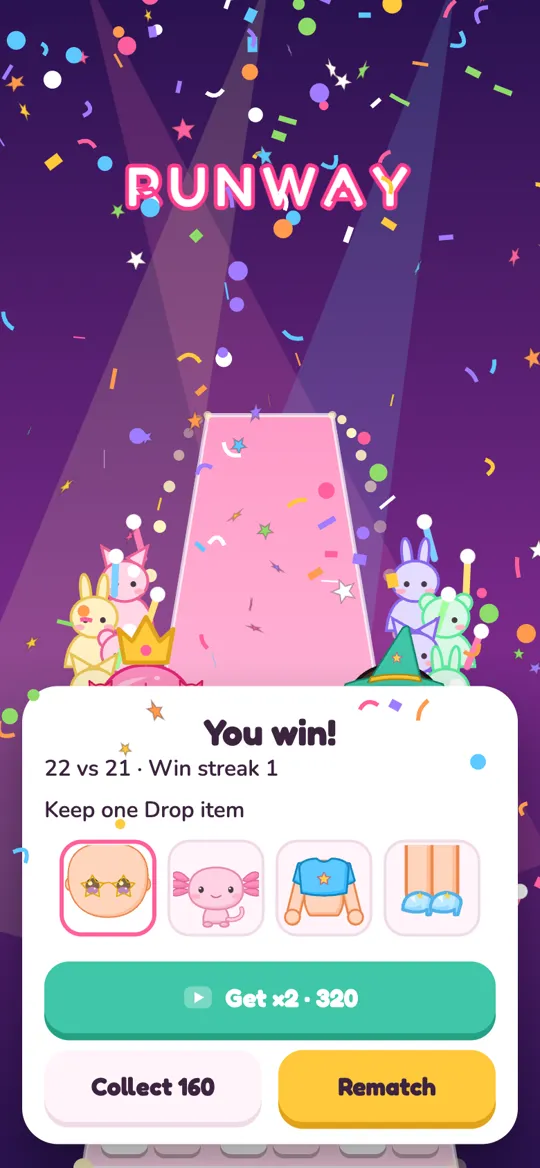
Reward videos. The player chooses to watch a short video in exchange for something, like extra coins or an item. These are opt-in: nothing plays unless the child taps the button. In Mochi Style, reward videos can unlock an item, a sparkle colour or the rainbow colour picker, multiply coins after the judges or a runway battle, open the mystery box or give free coins in the shop. The reward is only given when the video finishes.
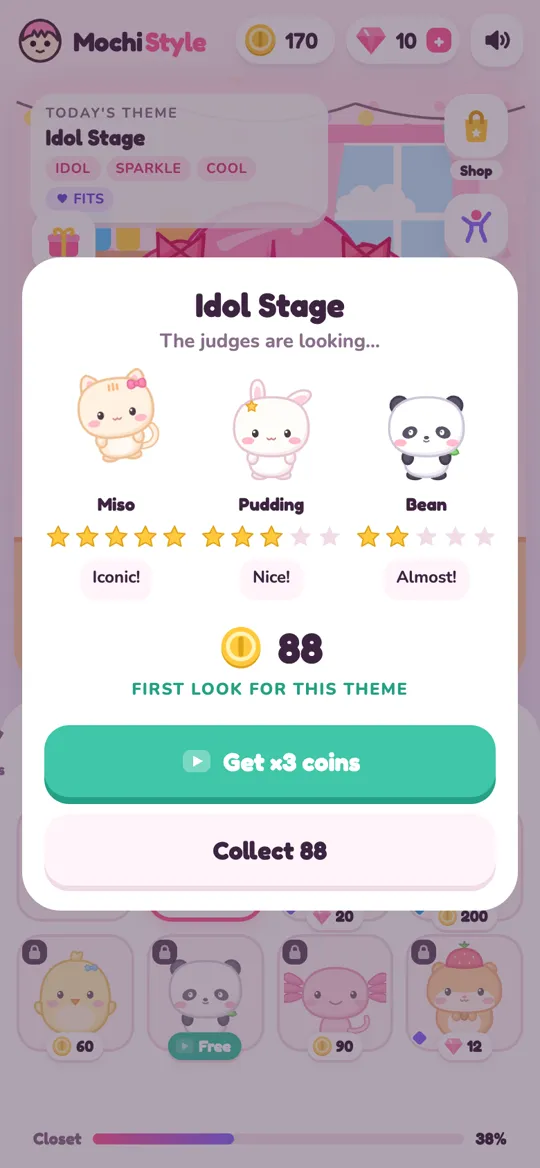
Look at how the choice is laid out. A fair game always gives a plain button next to the video button, so a child can say no without losing anything they already earned.
Break ads. These are full-screen ads that appear between parts of a game. They are the ones children notice most, so how often they appear matters a lot. Mochi Style has clear limits on them:
- Never before a player's third session.
- Only after every second runway battle, never in the middle of one.
- At least three minutes apart.
- Never while the child is dressing the doll.
Banners. A small strip at the edge of the screen. In the Mochi Style Android app, a banner can show only on the calm Closet and Album sheet. It is hidden while dressing, on the runway, in the makeover studio, in photo mode, in the shop, during gifts and on the age screen.
If you want to see how a runway battle flows from start to finish, our runway battle guide walks through every screen.
Where ads should never be
Placement tells you a lot about how much a game respects young players. A child who is tapping quickly should not land on an ad by accident.
Good signs:
- No ads in the middle of the main activity. For a dress up game, that is the dressing room.
- No ads on safety screens such as the age question or a parental gate.
- Video buttons that look different from normal buttons, with a small play icon.
- A clear way to close or skip once the ad allows it.
Outside links deserve a mention too. In Mochi Style, anything that would leave the game sits behind a parental gate: a grown-up has to answer a simple multiplication question first. A wrong answer just shows a friendly "Ask a grown-up" message.
What parents can check in five minutes
You do not need to read every policy to get a good picture. This short routine works for any free game:
- Read the store listing. Look for words like "contains ads" and "in-app purchases", and check the age rating.
- Search the privacy policy for "children", "personalised" and "advertising ID". You want to see that under-13 players get ads that are not personalised.
- Play for ten minutes yourself. Notice when ads appear, whether they interrupt the main activity and whether video ads are always optional.
- Answer the age question honestly if the game asks one, so the right ad rules switch on.
- Lock purchases in Google Play. In the Play Store app, open your profile, then Settings, then Authentication, and require it for all purchases.
- Talk about ads with your child. Point out the play icon on video buttons and explain that the plain button is always fine to tap.
For the bigger picture, including chat, data and mystery boxes, our parent checklist for dress up games covers eight things in one place.
Can you play without ads?
Many free games offer a one-time purchase to remove some ads. In Mochi Style, the Remove break ads purchase in Settings turns off break ads and the banner. Reward videos stay, but they only ever play when someone taps one. Purchases are handled entirely by Google Play, so the game never sees payment details.
If you would rather not buy anything, the limits above still apply. The game is fully playable without ever choosing a video. For ideas on what makes a dress up app worth your child's time beyond ads, see what makes a good dress up game.
FAQ
What is a child-directed ad?
It is an ad shown after the game tells the ad network the player is a child. The ad is not personalised, the advertising ID is not used to build a profile and the content can be limited to suit all ages.
How does a game know my child is under 13?
Most family games ask for an age or birth year when they first open. Mochi Style asks for a birth year, keeps the answer only on the device and uses it to decide how ads work.
Are reward videos safe for kids?
Reward videos are optional ads that a player chooses to watch for a bonus. For players under 13 in Mochi Style they follow the same child-directed, non-personalised rules as every other ad, and a plain button always lets the child skip them.
Does Mochi Style show ads while my child is dressing the doll?
No. Break ads only come between runway battles, and the small banner is limited to the Closet and Album sheet. Nothing appears in the dressing area itself.
Can I remove ads in Mochi Style?
Yes. A one-time Remove break ads purchase in Settings turns off break ads and the banner. Optional reward videos stay available, but they only play when someone taps one.