 Mochi Style
How to delete game data in Mochi Style
A new doll for a younger sibling, a hand-me-down tablet or a clean slate before sharing a phone. Here is how a full reset works, step by step.
In this guide
To delete Mochi Style game data, open the game, tap the gear button in the top bar, choose Delete my data and let a grown-up answer the multiplication question. The game restarts with a fresh doll and nothing is kept. Mochi Style has no accounts and no server of its own, so the save lives only on the device. One-time purchases stay with your Google account and come back with Settings, then Restore purchases.
Sometimes a game needs a clean start. A tablet moves from an older child to a younger one, a phone gets passed on to a relative, or a player simply wants to build their closet again from the very beginning.
Most games make this harder than it should be, because progress is tied to an online account. Mochi Style works differently: there is no account to close and no profile on our side to remove. This guide shows the reset button inside the game, explains exactly what it clears, and covers the Android settings route for anyone who prefers it.
Where your Mochi Style save actually lives
Before you delete anything, it helps to know what you are deleting. Mochi Style keeps everything in one save on the phone or tablet itself. That includes:
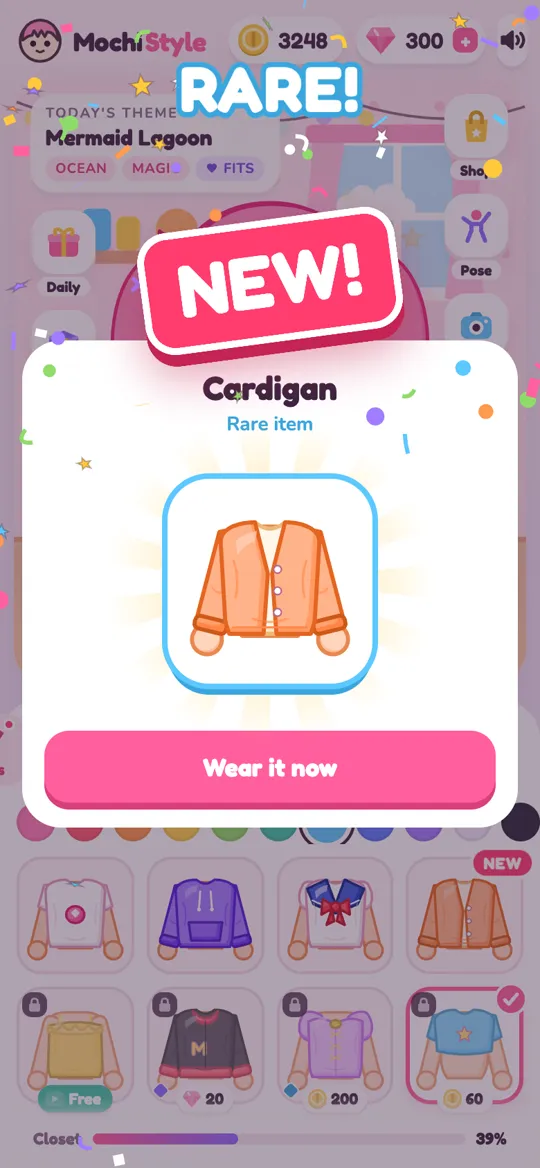
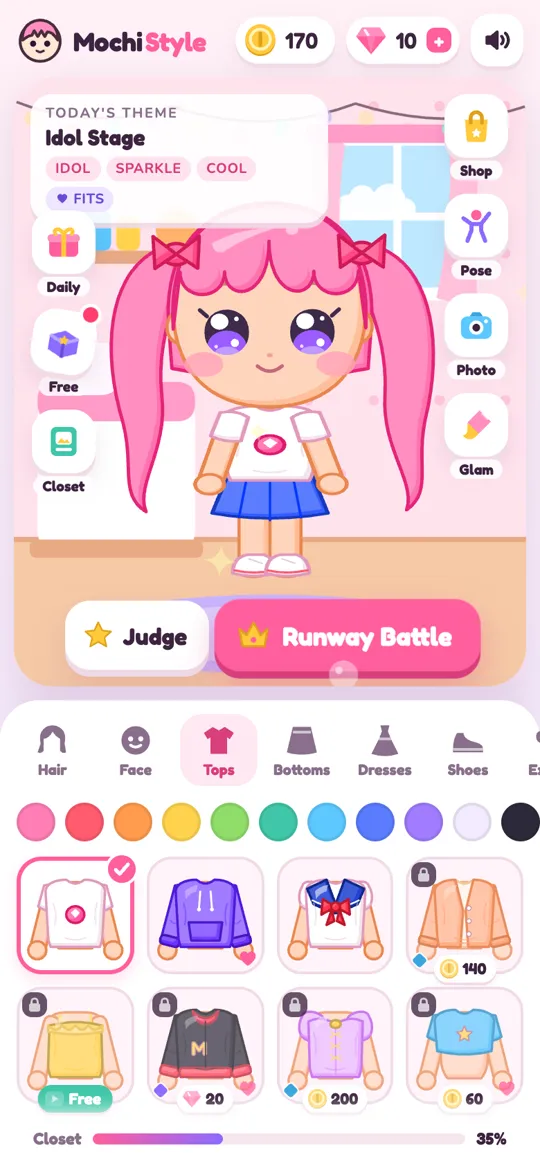
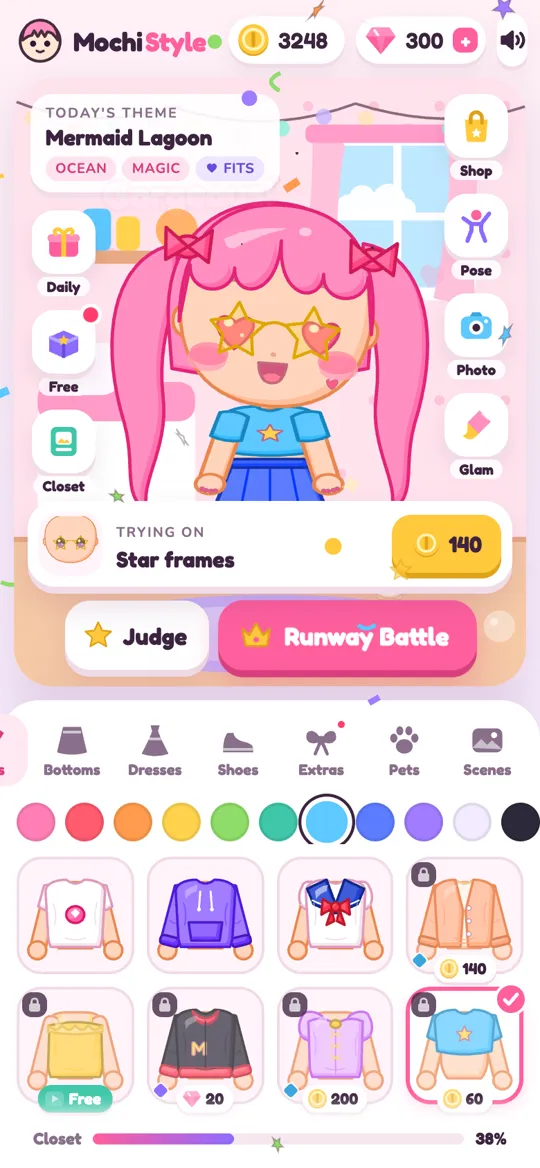
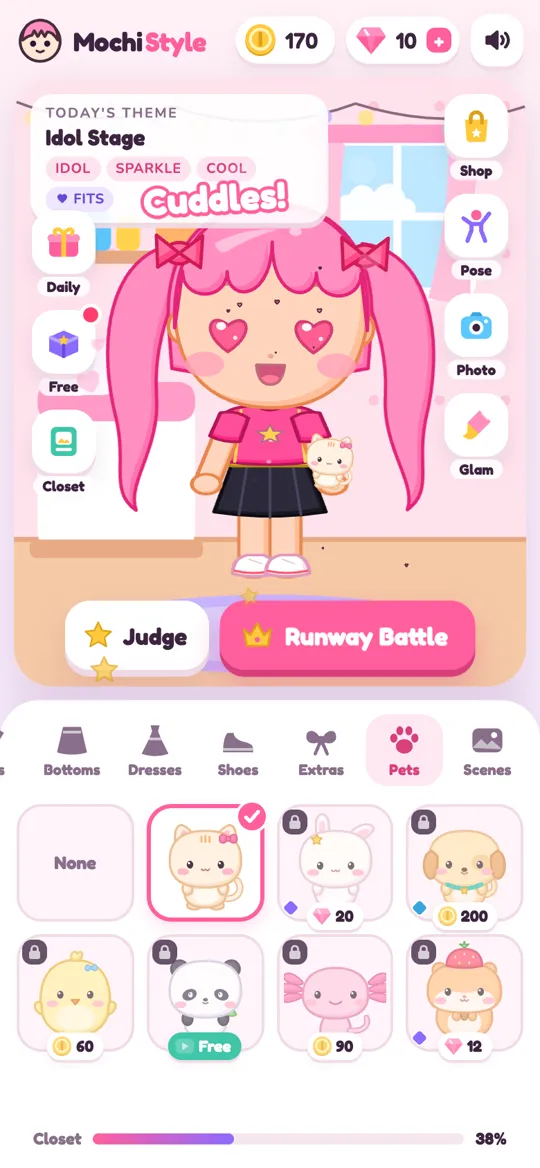
- your doll's look, from hair and eyes to outfit colours, pet and scene
- every item you have unlocked in the closet
- coins, gems and your daily gift streak
- the photos in your in-game album
- settings such as sound, and the birth year entered on the first screen
The game has no accounts, no chat and no server of its own, so none of this is sent to us. Our privacy policy says the same thing in plain words. That has one big benefit for families: when you delete the save on the device, there is no copy left behind on a game server.
Step by step: delete my data inside the game
This is the cleanest way to reset, and it only takes a moment. Do it with the child who plays, so nobody is surprised when their doll changes.
- Open Mochi Style and wait for the dress up room to load.
- Tap the round gear button in the top bar, next to the sound button. The Settings sheet opens.
- Tap Delete my data at the bottom of the list.
- An Ask a grown-up box appears with a multiplication question and four answers. A grown-up taps the right answer.
- The game restarts on its own. You will see the welcome screen asking for a birth year, just like on the very first day.
- Pick the birth year of the person who will play now, then tap Continue. A fresh doll is waiting.
If the wrong answer is tapped, the game shows a "Not quite" message and deletes nothing. To change your mind, tap the close button on the question box instead.
Getting purchases back with Restore purchases
Deleting game data does not delete what you paid for. Purchases are handled by Google Play and stay linked to the Google account on the phone, not to the game save.
After a reset, bring them back like this:
- Open Settings with the gear button again.
- Tap Restore purchases.
- Google Play checks your account, and the game shows a "Purchases restored" message.
One-time items, such as outfit packs and removing break ads, return this way. Gems work differently. They are a top-up you spend inside the game, so a restore does not add bought gems a second time. If you plan to reset, it is worth spending any gems first.
If you want fewer surprise purchases in the new save, now is a good moment to lock them. Our step-by-step guide on turning off in-app purchases on Google Play takes about two minutes.
The Android settings route: clear storage vs clear cache
Some parents like to reset apps from the phone's own settings. Android lets you do this for any app, and it works for Mochi Style too. Menu names vary a little between phone brands, but the path is usually:
- Open the phone's Settings app.
- Tap Apps, then find Mochi Style in the list.
- Tap Storage (sometimes Storage and cache).
- Tap Clear storage (on some phones, Clear data) and confirm.
Be careful with the two buttons on that screen. Clear cache only removes temporary files and keeps your progress. Clear storage removes the whole save, the same as Delete my data in the game. The next time the game opens, it starts from the welcome screen.
Uninstalling the app also removes the save from the phone. One thing to know: many Android phones back up app data to the Google account, and a reinstall can sometimes bring an older save back. If you want to be sure the old save is gone, use Delete my data inside the game, or clear storage after reinstalling.
Ads and advertising ID: the part Google manages
Mochi Style's own save is fully in your hands, but ads come from Google AdMob, and Google manages its own ad data. For players under 13, ad requests are marked as directed to children and the advertising ID is not used to build a profile.
If you want to go one step further on any Android phone, you can reset or delete the advertising ID in the device's Google settings, usually under Settings, then Google, then Ads. This affects all apps, not just ours. Our delete your data page lists both steps in one short place.
For a wider look at what to check before a child starts any new game, our parent checklist for dress up games covers chat, purchases, mystery boxes and data together.
FAQ
Does deleting Mochi Style game data remove my purchases?
No. Purchases belong to the Google account on the phone, not to the game save. After a reset, open Settings and tap Restore purchases to bring back one-time items such as outfit packs and removing break ads.
Why does the game ask a multiplication question before deleting?
It is a parental gate. Deleting the save cannot be undone, so the game asks a grown-up to answer a simple sum first. A wrong answer cancels the delete and the save stays as it was.
Do I need to email anyone to delete my child's data?
No. Mochi Style has no accounts and no server of its own, so the game data exists only on the device. Delete my data or clearing the app's storage removes it. For any other question, the contact address is on the privacy policy page.
What is the difference between clear cache and clear storage?
Clear cache removes temporary files and keeps the doll, closet and coins. Clear storage removes the whole save, just like Delete my data, so the game starts again from the welcome screen.
Will my album photos be deleted too?
Yes. The photos you take in photo mode are part of the game save, so a reset clears the album along with the closet, coins and settings. Show them to the player before you reset.